









How to Use QR Code Menus
With the rise of contactless ordering in the hospitality industry, the use of QR code menus has been on the rise. We’ll discuss how to use QR code menus as a part of your restaurant software and what advantages they offer.


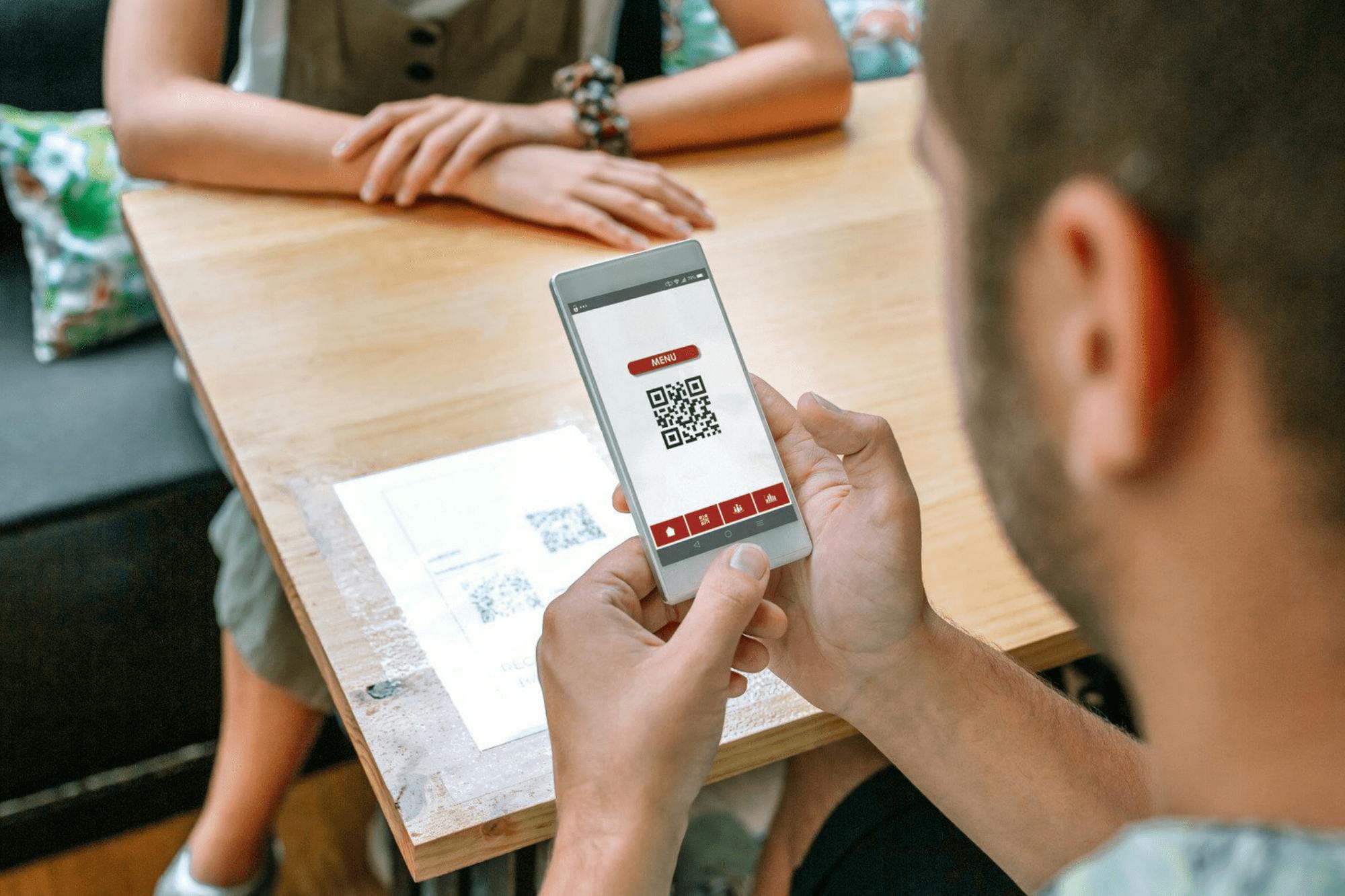
With the rise of contactless ordering in the hospitality industry, the use of QR code menus has increased. But we’ve increasingly found that QR code menus benefit businesses beyond minimizing contact, so we think they’re here to stay for the long run.
Below, we’ll discuss how to use QR code menus in your restaurant software and what advantages they offer that might make them the best choice for you, even after the era of social distancing is over.
What is a QR code menu?
QR code menus are menus that customers can access from their phones by scanning a QR code. Order and pay systems are prevalent among these—customers can order items and make payments online, achieving a contactless ordering experience.
QR code menus can be used in various venues, such as restaurants, cafes, pubs and bars, hotels and B&Bs, and even theatres.
Learn more about Deliverect Order&Pay: Our new QR code solution to speed up table turn times by up to 10 minutes and improve your customer’s experience

Benefits of a QR code menu
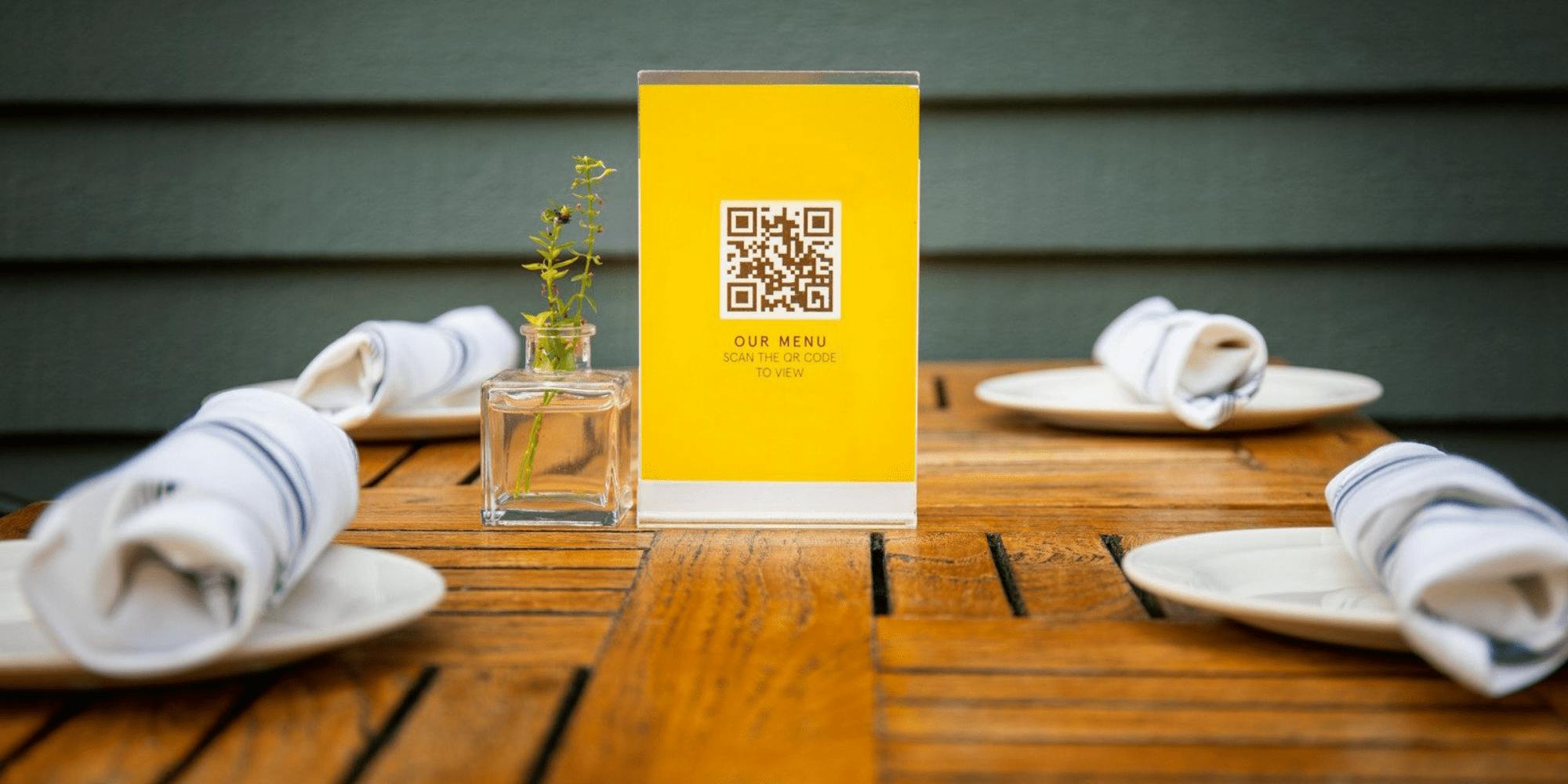
QR code menus boast various benefits. For instance, they let customers access menus quickly and easily. Accessing the menu on their devices means they don’t need to flag a waiter down to request a menu. They also won’t need to download an app, which can be off-putting for customers, especially in grab-go restaurants and cafes where they might be in a hurry.
Digital menus also increase customer spending. While a waiter can only offer to upsell options so many times, digital menus can suggest them in a way that feels natural and unobtrusive—“Add onion rings for 3.99?” or “Order a larger glass of wine?”
But taking your menu online isn’t just about driving more sales but also upgrading the customer experience. Ordering on a device removes customers' pressure when faced with a busy waiter. They can take their time in order instead of rushing to choose items they’re unhappy with or forgetting to order something.
With customers ordering and paying on their devices, staff no longer need to focus on these administrative tasks. This frees them up to spend more time being hospitable – chatting to customers and checking how they’re doing, for instance.

Implementing a QR code menu
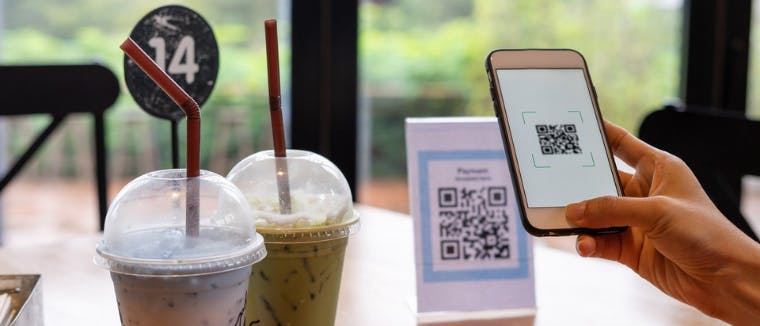
QR code menus can make your menu easily accessible – but there’s no point in setting them up if customers can’t access the QR codes. Make sure your customers can easily find and scan them.
Attach QR codes to each table so diners can access them when needed. You can also place them at your entrance or include them in delivery leaflets to attract customers with your offerings. Make sure they’re on flat surfaces and that they’re not too small. Otherwise, they might not scan properly. Also, avoid inverting the colors of the QR code, and make sure to leave a border around it.
You can print your QR codes on all sorts of materials—wood, plastic, or stickers, for example—and it’s worth picking something high-quality. We also recommend making sure that you can clean them easily—you don’t want lingering food and drink splatter.
Although a smartphone camera is all that is needed to scan a QR code, the code can be difficult to read depending on the camera's quality. It’s important to test your QR codes to ensure they always work before customers start using them.
What features should a QR code menu have?
Choose a menu that you can customize. That includes creating categories for ease of use—the menu should be arranged so that customers can easily find what they want. You should also be able to tweak the color scheme and add descriptions and images of your products. The interior of your venue shapes how customers see your menu, and your digital menu is a part of your business's self-expression.
A QR code menu is part of your restaurant software ecosystem, so keep an eye out for integrations. A “best of breed” approach means combining software that works best for the various aspects of your business, like inventory management or accounting. Your QR code menu should be able to integrate with your other software so that they can communicate and share data, removing the need for manual inputs.